
If you’ve ever stared at your Steam, PlayStation, or Xbox download window and wondered why the numbers don’t match what your internet provider promised, the culprit is almost always the difference between megabits and megabytes. Understanding why your line is sold in Mbps while your downloads show up in MB/s is the key to decoding what speed you’re really getting.
At the heart of the confusion is the relationship between bits and bytes: a bit is the smallest unit of digital information, while a byte is a bundle of eight bits. That 8:1 ratio scales all the way up, so one megabyte (MB) is eight megabits (Mb), which is why 100 megabits per second works out to 12.5 megabytes per second in practical terms. Different guides from broadband comparison sites and tech explainers all highlight this same math, because it underpins every speed number you see online.
There’s also a naming convention that quietly trips people up: network speeds are usually written with a lowercase b, while storage and file sizes use a capital B. When your ISP advertises 300 Mbps, that’s megabits per second and refers to the maximum bandwidth of your connection, not how many megabytes your game launcher shows per second. In contrast, your SSD specs and the speed readout in most download managers use megabytes per second (MB/s or MBps) to show how much data is actually being moved each second from disk or across the network.
Engadget’s breakdown points out that major regulators now bake these units directly into policy, which is why they matter beyond just bragging rights on speed tests. In the United States, the FCC currently uses 100 Mbps down and 20 Mbps up as the baseline for what counts as broadband, a threshold that shapes which areas are considered “served” and who qualifies for infrastructure funding. That definition is entirely in megabits per second, even though the reality you experience is usually framed in megabytes per second when you’re downloading a 100GB game or backing up a season of anime to the cloud.
The good news is that converting between the two worlds is simple: divide by eight to go from Mbps to MB/s, and multiply by eight to go the other way. A 100 Mbps fiber line can theoretically move about 12.5 MB/s, while a download window showing 20 MB/s means you’re effectively pulling data at 160 Mbps. Multiple speed guides use the same example because it neatly illustrates why your 300 Mbps package will never show “300” in a download window that’s measuring megabytes instead of megabits.
For everyday geek life, this plays out everywhere: Wi‑Fi and wired internet plans are presented in Mbps, while game launchers, streaming apps caching content, and file copy dialogs generally measure in MB/s. Broadband explainers note that the number your provider advertises is a best‑case ceiling, and protocol overhead, Wi‑Fi interference, and shared household usage all shave some speed off before it hits your gaming rig or media server. Once you factor in the bits‑to‑bytes conversion and that real‑world overhead, the numbers you see on screen start to make sense — and you can finally tell whether your connection is the bottleneck or your aging hard drive.
Image Credits
In-Article Image Credits
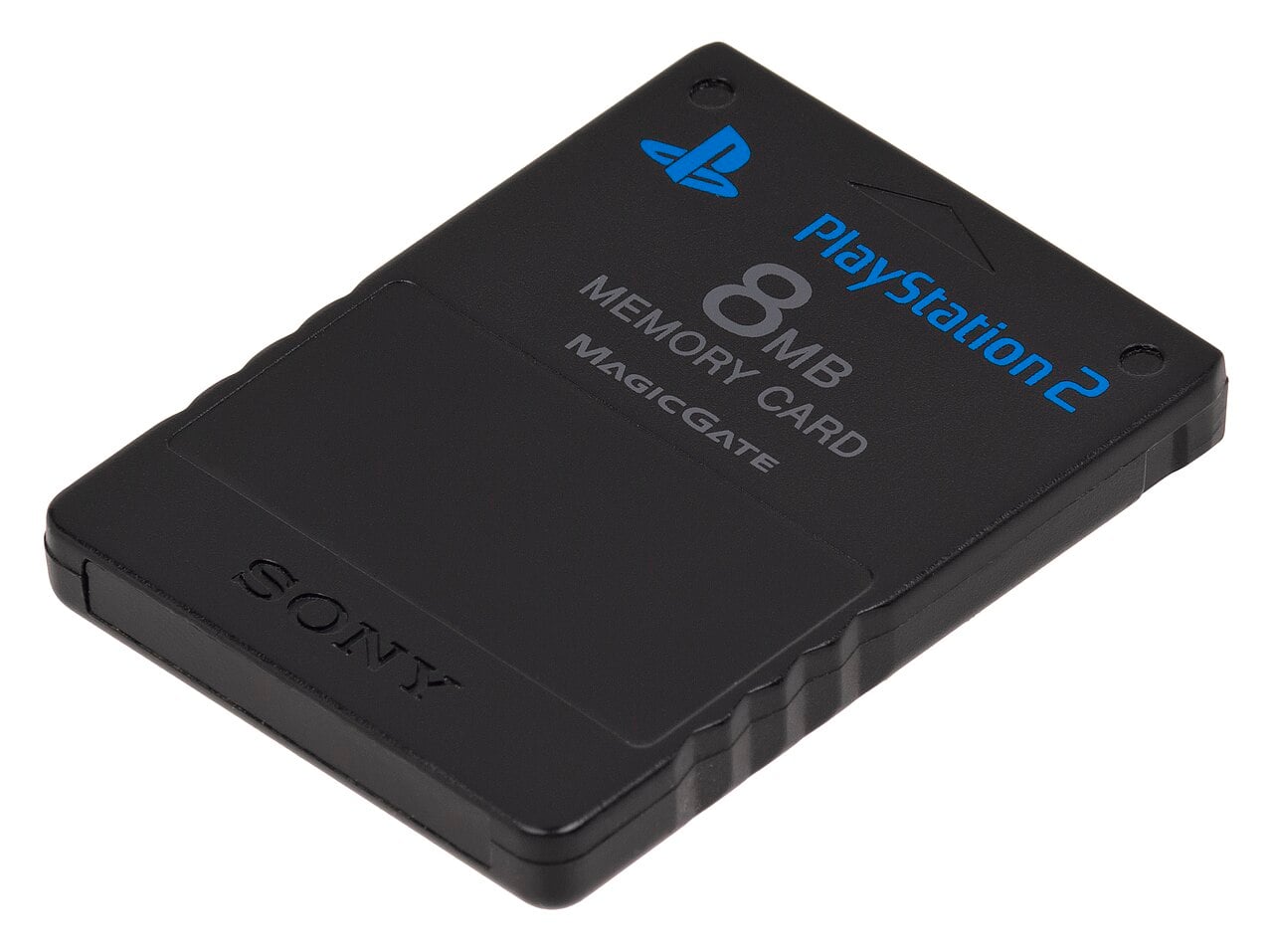
A Sony PlayStation 2 memory card, used for saving games via Wikimedia Commons by Evan-Amos with usage type - Public DomainFeatured Image Credit
A Sony PlayStation 2 memory card, used for saving games via Wikimedia Commons by Evan-Amos with usage type - Public Domain


