
There is no single HDMI cable length at which every connection suddenly fails. The practical limit depends on the signal, the cable’s construction, and the amount of bandwidth your devices are pushing. For ordinary 1080p video, a longer passive cable may work without trouble; for 4K at 120Hz or 8K at 60Hz, keeping the run short is usually the safest move. The basic rule of thumb is simple: use the shortest cable that comfortably reaches between your devices.
That matters because modern HDMI connections are carrying considerably more data than older home-theater setups. The official HDMI cable guide identifies Ultra High Speed HDMI cables for systems requiring up to 48Gbps, including 4K at 120Hz and 8K at 60Hz. HDMI.org also says the newer Ultra96 cable supports up to 96Gbps for HDMI 2.2-era equipment.
Length itself is not the only problem. Every passive copper cable introduces some signal loss, and the higher the resolution, refresh rate, color depth, and feature load, the less room there is for errors. A cable that works perfectly for a 4K movie at 24 or 60 frames per second might become unreliable when connected to a gaming PC or console running 4K at 120Hz with HDR and variable refresh rate enabled.
For a short connection behind a television, AV receiver, soundbar, or desktop monitor, a certified cable is generally more important than an expensive brand name. HDMI’s certification programs test cables for the bandwidth they claim to support; the organization says certified Ultra High Speed cables are designed for the full 48Gbps specification and its testing applies across cable lengths. Look for the official certification label rather than assuming that marketing language such as “8K-ready” guarantees every HDMI 2.1 feature.
Consumer guidance can be more conservative for demanding formats. Sony, for example, recommends keeping a 4K HDMI cable to 3 meters, or about 10 feet, while noting that longer cables may work but are not guaranteed. That is not a universal HDMI law, but it is a useful target for a direct passive connection when reliability matters more than hiding every wire.
When a setup requires a much longer run, the answer is usually not chaining together several passive HDMI cables. HDMI extenders, powered repeaters, fiber-optic HDMI cables, and active copper cables can maintain a signal over greater distances, though they add cost and another possible point of failure. Compatibility should be checked against the exact feature set—especially 4K/120, HDR, eARC, VRR, and HDCP—rather than resolution alone.
In short, there is no magic maximum length that applies to every HDMI installation. Short passive cables are the least complicated choice, while longer runs demand certified products and sometimes active hardware. If a screen intermittently goes black, loses audio, drops out of HDR, or refuses to display a high-refresh signal, reducing the cable length—or replacing it with a properly certified active or optical model—is one of the first fixes worth trying.
Image Credits
In-Article Image Credits
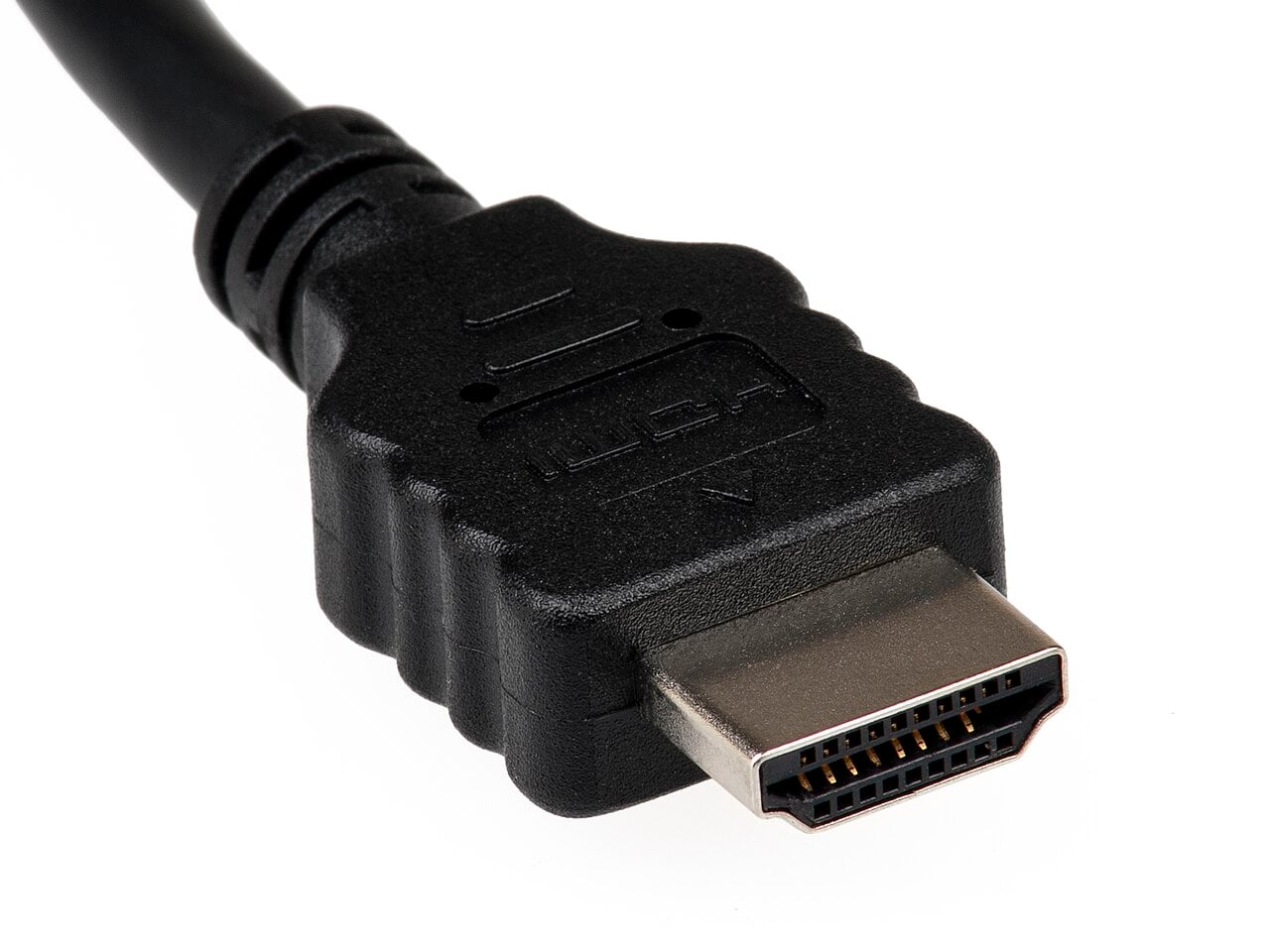
A standard HDMI connector for hooking up audio/visual equipment via Wikimedia Commons by Evan-Amos with usage type - Public Domain. By Evan-Amos - Own work, Public Domain, https://commons.wikimedia.org/w/index.php?curid=16128115Featured Image Credit
A standard HDMI connector for hooking up audio/visual equipment via Wikimedia Commons by Evan-Amos with usage type - Public Domain. By Evan-Amos - Own work, Public Domain, https://commons.wikimedia.org/w/index.php?curid=16128115


