
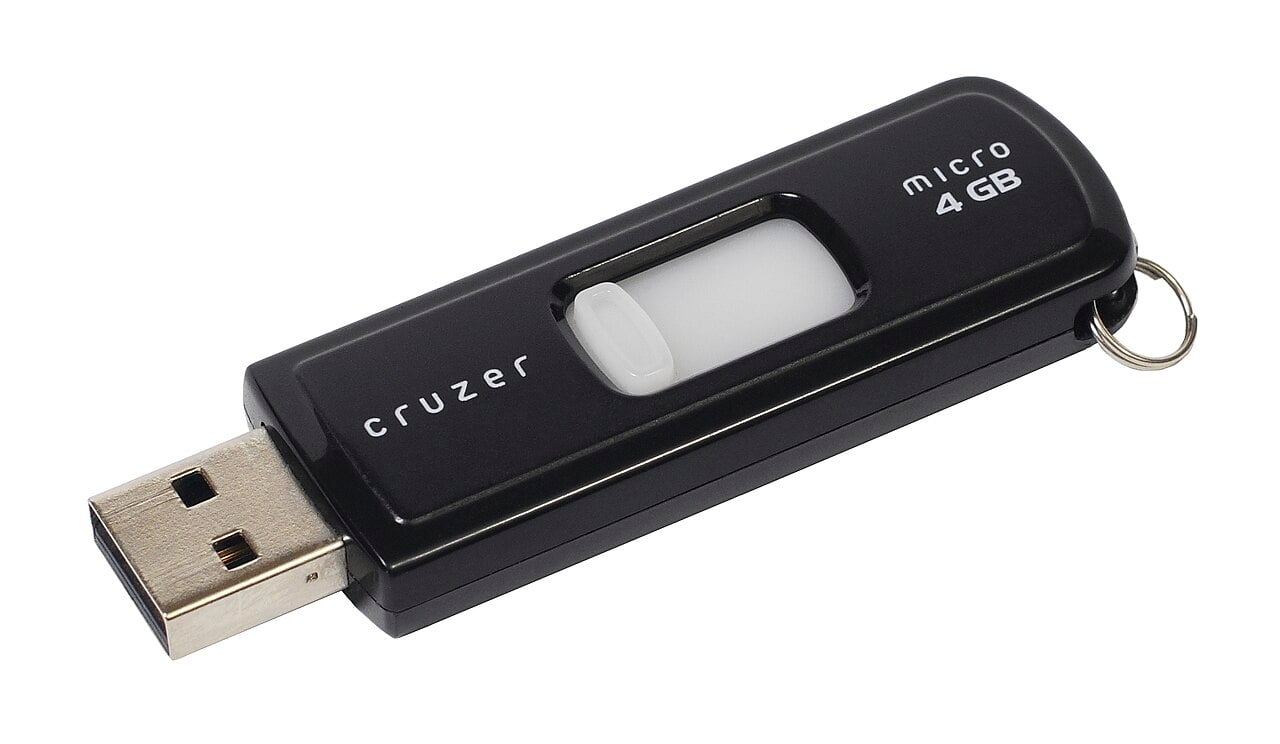
In the age of cloud saves and blazing-fast SSDs, the old “Safely Remove Hardware” icon can feel like a relic from the Windows XP era. Engadget recently revisited the topic, reminding readers that the habit of properly ejecting external drives before yanking the cable is far from obsolete, especially when those drives hold precious game installs, media libraries, or work files.
Modern operating systems are designed to make removable storage feel instant, but under the hood they still rely on write caching and file system bookkeeping that doesn’t always finish the moment a progress bar disappears. When you use your OS’s eject command, it flushes any data still sitting in memory to the drive, closes open file handles, and unmounts the file system so no new writes can sneak in at the last second. Without that step, you can end up pulling power while the system is still quietly updating directory metadata or journaling operations, leaving the drive in an inconsistent state that can turn into corrupted files—or, in nasty cases, a “this drive needs to be formatted” message the next time you plug it in.
That risk isn’t just academic. Repair shops and data recovery outfits routinely see external drives that suddenly show up as RAW partitions or unreadable volumes after being unplugged mid-write, often because cached data that included key file system structures never made it to disk. Even if a single game save or video file is the only casualty, incomplete entries in a directory can cascade into broader corruption, taking out entire folders or projects. Institutions that support researchers and IT-heavy workflows still advise users to eject external storage because it’s impossible to tell at a glance whether background processes are poking at the drive—even when you think you’re “done.”
For geeks, the stakes are even higher. External USB hard drives and SSDs are now common homes for Steam libraries, PlayStation and Xbox cold-storage, retro ROM collections, and massive creative projects in tools like Unity and Unreal. If you disconnect a drive while a launcher is updating files, a game is streaming assets, or a backup tool is syncing saves, you’re hitting the filesystem at the worst possible time. On macOS, Apple explicitly warns users when a disk hasn’t been ejected properly because the risk of data loss applies to every writable device attached to the system—from thumb drives and Time Machine disks to portable SSDs stuffed with 4K footage. Microsoft’s guidance for Windows is just as blunt: safely remove hardware to avoid losing data on USB flash drives and external disks.
It’s true that modern OSes and journaling file systems have reduced the odds that a casual tug will utterly brick a drive, especially when no writes are happening. Many systems now optimize for quick removal by default, which lowers the chance that user data is sitting in cache for long stretches. But less risky is not the same as safe. If the system is in the middle of copying, renaming, or moving files, or if an app still has something open—even a background sync tool or media player—the eject step gives the OS a chance to finalize its “table of contents” for the drive before it’s powered down. Skipping that step is effectively gambling that you’ll never pull the plug during one of those tiny windows where unfinished writes matter.
The practical takeaway for anyone with a bag full of USB sticks and portable drives is simple: treat the eject button like a tiny insurance policy. Engadget’s reminder isn’t a throwback to paranoid 90s computing; it’s a nod to the invisible complexity that still underpins our storage tech. Hit eject, wait for the all-clear, then unplug. It’s a three-second habit that can save you hours of reinstalling games, re-ripping media, or—worst of all—discovering that the only copy of your latest campaign notes, cosplay photos, or indie dev build is now locked behind a corrupted filesystem.


