
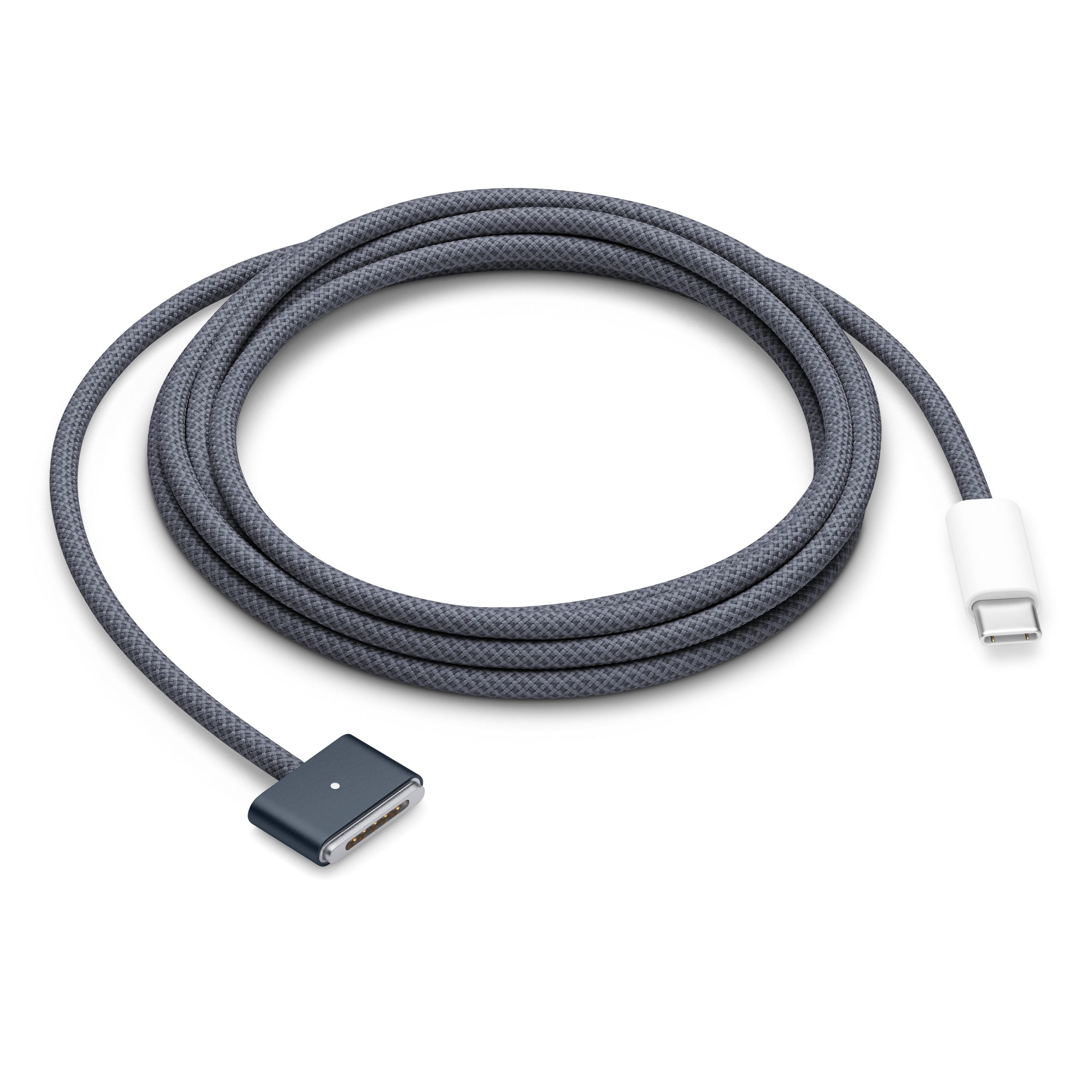
On modern Macs, identical-looking USB-C shaped ports can hide wildly different capabilities, especially once Thunderbolt enters the mix. As first detailed by Engadget, you can easily have both Thunderbolt and standard USB-C on the same machine, with each port handling data, video, and power in very different ways.
The first key distinction is that USB-C is just the connector shape, while Thunderbolt is a full connectivity standard that happens to use that same oval, reversible plug on recent hardware. A USB-C port might only support older USB 2 speeds at 480 Mbps, or it might scale all the way up through USB 3, USB4, and beyond, depending on the controller behind it. Thunderbolt, by contrast, layers PCI Express and DisplayPort signaling on top of that connector to move data and video simultaneously while also delivering power over a single cable. Modern Thunderbolt 4 ports hit up to 40 Gbps, while Thunderbolt 5 doubles that to 80 Gbps and can push up to 120 Gbps in one direction for heavy display workloads.
On Macs, Apple complicates matters by shipping machines with a mix of Thunderbolt/USB4 ports and plain USB-C that only speak slower USB protocols. Thunderbolt-capable ports are typically labeled with a small lightning bolt icon and are listed in specs as “Thunderbolt 3 (USB‑C),” “Thunderbolt / USB 4,” “Thunderbolt 4 (USB‑C),” or “Thunderbolt 5 (USB‑C),” depending on the generation. These ports can connect to Thunderbolt devices, high-speed USB peripherals, and external displays using DisplayPort over USB‑C or with the appropriate adapter for HDMI, DVI, or VGA. Plain USB-C ports, often shown with no icon at all, may be limited to USB 3.1 speeds and can sometimes lack native video output, even though the connector looks identical.
That difference in what’s “behind” the port is why Thunderbolt is still the go-to for power users chaining fast NVMe storage, docking stations, and high-resolution monitors to their Macs. Thunderbolt’s PCIe tunneling lets external SSDs and RAID arrays run near internal-drive speeds, while DisplayPort tunneling enables multiple 4K displays or a single high-refresh, high-resolution panel from one cable. With Thunderbolt 4, Apple guarantees 40 Gbps bandwidth, support for at least one 4K display, and robust daisy chaining of devices from a single port, something many generic USB-C implementations don’t promise. The jump to Thunderbolt 5 on newer Macs adds more headroom for 8K displays or multi-monitor setups and faster external graphics and storage, even though the port still just looks like “another USB-C” to the naked eye.
Regular USB-C ports are not useless, but they are far less predictable, which is where many Mac owners get tripped up. A standard USB-C port on a MacBook might handle charging and basic file transfers just fine, yet cap data at 5 or 10 Gbps and only drive a single external display—if it supports video at all. Thunderbolt accessories such as advanced docks or high-end drives will usually fall back to slower USB modes or simply fail to work when plugged into these non-Thunderbolt USB-C ports, because they rely on PCIe or higher guaranteed bandwidth that the simpler port doesn’t provide. Even cables matter: Thunderbolt-certified cables carry the proper controller hardware to sustain 40 Gbps or more, while many cheap USB-C cables are only rated for slower USB speeds and modest power delivery.
For Mac users living in a sea of identical ports, the practical takeaway is to match the port to the job. Use Thunderbolt-labeled ports for external SSDs, creative workstations, multi-display docks, and any device explicitly sold as Thunderbolt hardware, especially on newer Thunderbolt 4 and 5 Macs. Reserve the plain USB-C ports for simpler tasks like charging, plugging in keyboards, game controllers, or budget hubs that only promise USB 3 speeds. When in doubt, checking Apple’s specs page for your specific Mac model will tell you exactly which ports support Thunderbolt and USB4 versus standard USB-C, helping you avoid slow transfers, missing displays, or underpowered setups that stem from the subtle but crucial difference between “USB-C the plug” and “Thunderbolt the standard”.


