
If there’s a forgotten compact or DSLR gathering dust in your gear drawer, it might be the upgrade your video calls and streams have been waiting for. As highlighted in a recent Engadget piece, many older digital cameras can double as surprisingly crisp webcams, especially now that mainstream meeting apps make it easy to pick any video source your computer can see. For geeks juggling Zoom stand-ups, Discord hangouts, and Twitch sessions, repurposing hardware you already own is an easy win for both image quality and e-waste reduction.
The simplest path starts with the exact model name on your camera’s badge and a visit to the manufacturer’s support pages, where you’ll often find a compatibility list for using that body as a webcam. Engadget recommends confirming whether your camera speaks USB Video Class (UVC), the plug-and-play standard that lets many newer and some older models appear as a webcam without extra drivers. If your device isn’t UVC-native, you’ll usually need to install the vendor’s webcam utility, plug in a proper USB data cable, switch the camera into video or remote-control mode, and then select it as the source in apps like Zoom, Google Meet, or Microsoft Teams. Guides from outlets such as PCMag and How-To Geek echo the same basics: check the manual for the right USB mode—often labeled “Webcam” or “Tethering”—and make sure your computer sees the camera before you join that next call.
Not every older camera can send video over USB, but a clean HDMI output opens up another powerful route. Tutorials from PCMag and PCWorld walk through using small capture devices, such as the Elgato Cam Link 4K or Blackmagic Atem Mini, to convert your camera’s HDMI feed into a USB signal your PC or Mac recognizes as a webcam. The key requirements are that your camera can stay powered on in video mode and output an image without focus boxes, menus, or other overlays cluttering the frame—often called “clean HDMI.” Once that’s sorted, you just attach the capture dongle to your computer, connect an HDMI cable from the camera, and pick the adapter as your video input in conferencing or streaming software.
With either USB or HDMI in play, that old shooter becomes more than a nicer face for weekly stand-ups—it can anchor full-on creator setups. DigitalTrends has shown how aging point-and-shoots can be mounted on a tripod or flexible grip and wired into a computer for DIY video projects, from overhead build shots to live tutorial rigs. Pair a repurposed camera with a tabletop tripod, some cheap lighting, and screen-capture software and you’ve got a convincing layout for streaming tabletop RPG sessions, unboxing gear, or showcasing hand-painted minis without buying a dedicated mirrorless body. Because most cameras have larger sensors and better lenses than default laptop webcams, expect a noticeable jump in sharpness, low-light performance, and background blur—all things that make even casual calls feel more broadcast-ready.
Of course, not every relic in the drawer will be worth wiring up, but “don’t toss it” remains solid advice even then. Photography blogs and recycling guides consistently recommend turning working cameras into hand-me-downs for friends or family, keeping them as backup bodies, or donating them to schools and community programs that can put them in students’ hands. If yours is truly past saving, sites focused on electronics disposal point to e-waste and manufacturer take-back programs that keep toxic components out of landfills while recovering useful materials. Whether you plug it into a capture card, pass it on to a new photographer, or send it through an e-recycling channel, that old digital camera has better places to go than the trash can—and your next video call might look a lot better because of it.
Image Credits
In-Article Image Credits
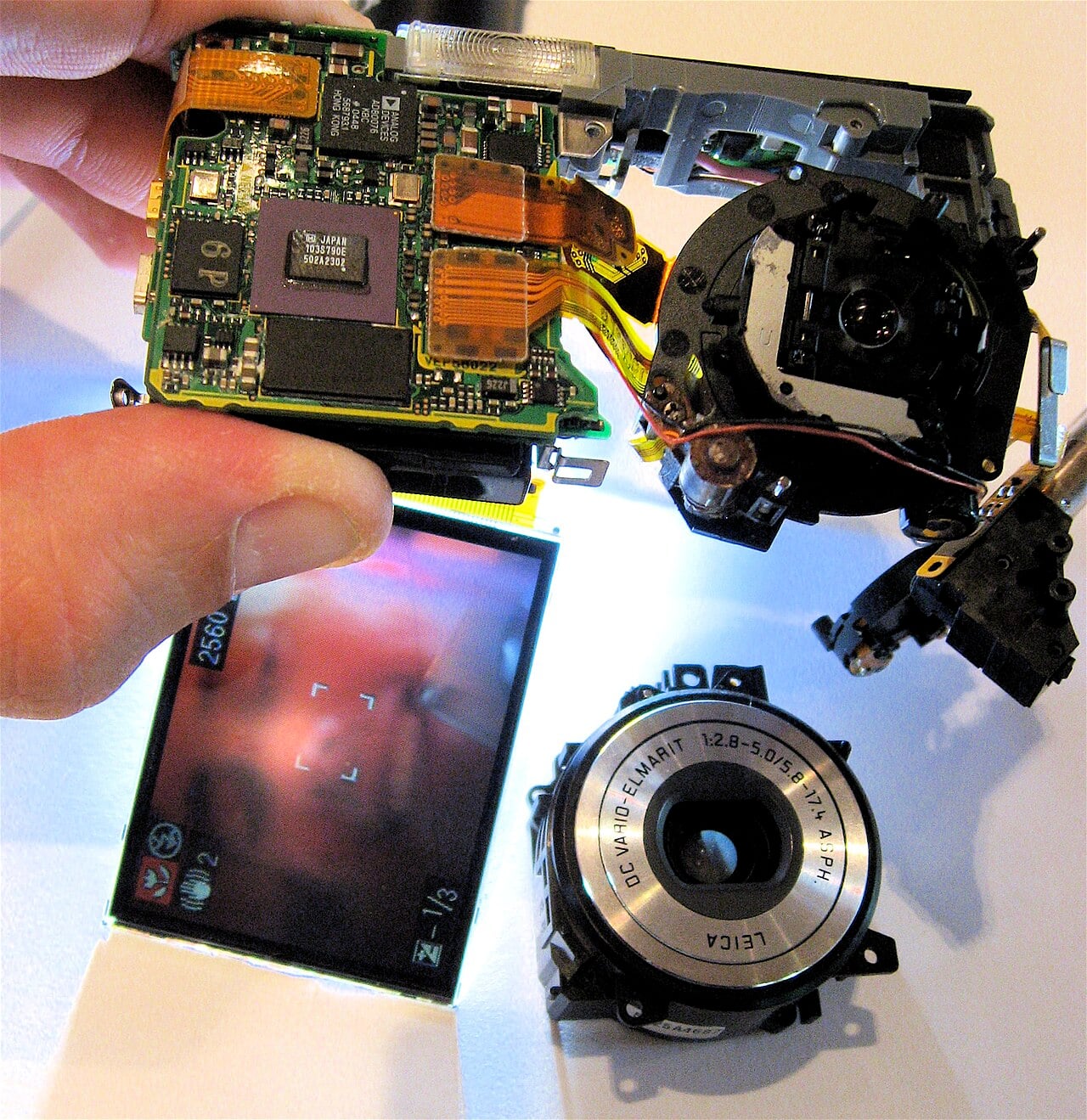
A partly disassembled Panasonic Lumix digital camera, with the front lens removed, but still functioning via Wikimedia Commons by Steve Jurvetson with usage type - Creative Commons LicenseFeatured Image Credit
A partly disassembled Panasonic Lumix digital camera, with the front lens removed, but still functioning via Wikimedia Commons by Steve Jurvetson with usage type - Creative Commons License


