
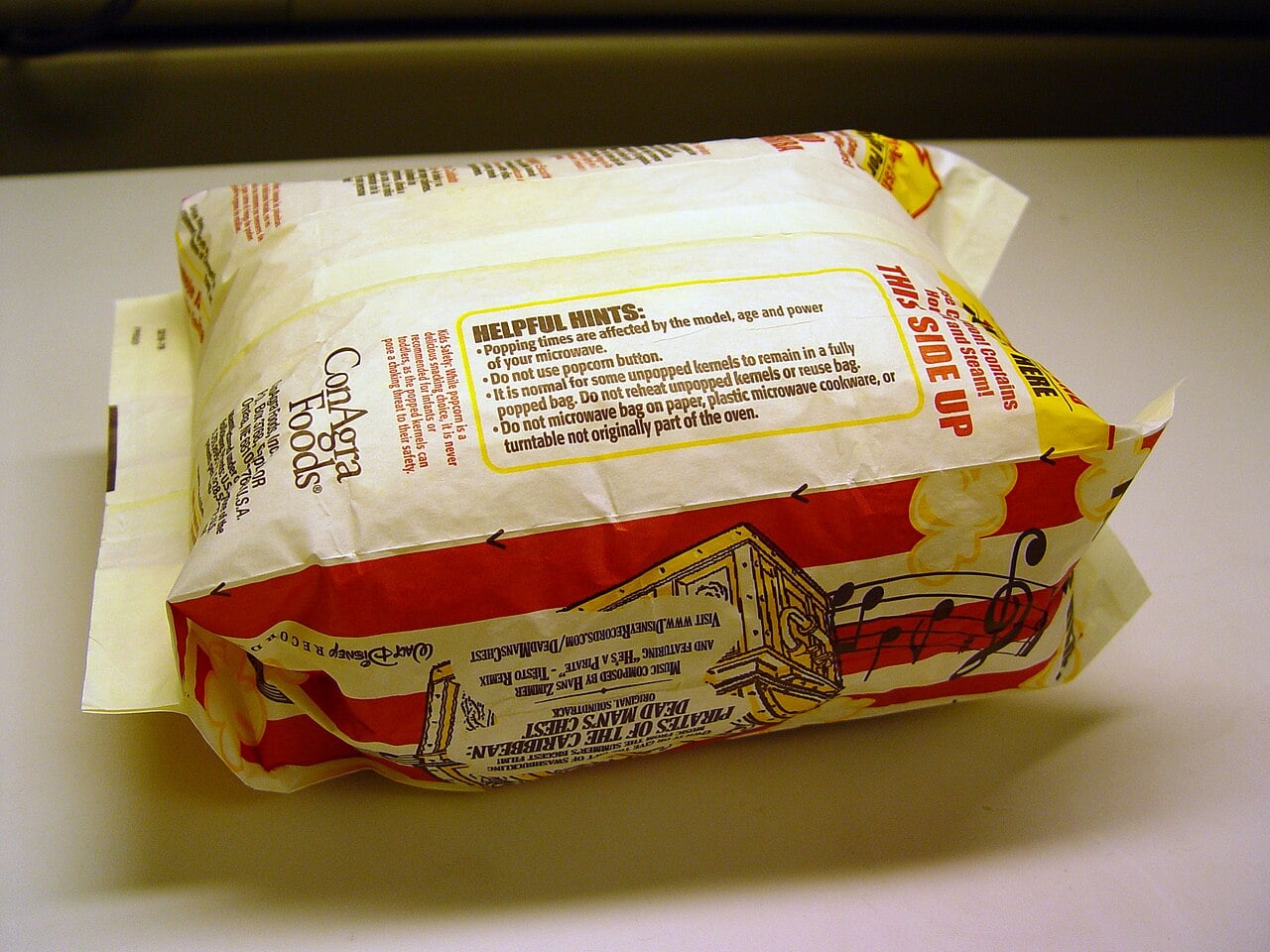
Every microwave in your kitchen proudly sports a Popcorn button, yet almost every bag of microwave popcorn warns you not to touch it. It’s not a prank by Big Popcorn or a secret setting only power users should know about — it’s the messy overlap of old hardware design, new safety rules, and the way people actually use their gadgets, as unpacked in a new episode of the Hyperfixed podcast and a writeup on Hackaday.
The first mystery is what that Popcorn button actually does, because there is no single standard behind the label. Hackaday notes that depending on the oven, it may be nothing more than a hard-coded timer, or it may trigger extra logic that listens for popping sounds or watches humidity levels as steam vents from the bag. Those more sophisticated implementations rely on sensors and algorithms that have been around for decades, so in theory, a well-designed popcorn mode can shut off automatically once the popping slows down and save you from burnt kernels. Modern manuals from brands like Panasonic and Whirlpool explicitly describe popcorn programs that let you cycle through bag sizes and then advise you to “listen for popping to slow to one pop every 1 or 2 seconds, and then stop the cycle,” blending automation with user vigilance.
But not every microwave ships with those smart sensors, and that’s where things go sideways. On cheaper or older models, Popcorn is literally just “run at X power for Y minutes,” which might be tuned to a specific wattage and a particular bag size the manufacturer had in mind years ago. Drop in a smaller snack-size bag or a higher-fat recipe, and that same preset can undercook half the kernels… or overshoot and scorch the whole thing. Owner’s manuals for multiple microwave lines warn that pre-packaged popcorn may “ignite and cause a fire” if overcooked, and stress that you should never leave the oven unattended while popping, precisely because a dumb timer can’t see or hear what’s actually happening inside the cavity. Reddit threads dissecting the issue echo the same complaint: preset options are often unreliable, and the microwave’s wattage plus bag mass wildly sway how accurate any generic popcorn profile will be.
So why do the popcorn bags themselves tell you not to use the popcorn setting, even on fancy sensor-equipped machines? Hackaday’s piece lays the blame on a simple asymmetry: popcorn makers have no clue what hardware you own, or how well its popcorn button is tuned. They can’t afford to assume you have humidity sensing, acoustic detection, or even the same wattage printed on the box, but they know that when a bag burns, consumers instinctively blame the food brand, not the microwave OEM. To stay out of that crossfire, bag instructions default to the one method that works across essentially all ovens: stay nearby and stop the cook when popping slows to about one pop every two seconds, the same guideline echoed in several microwave manuals and independent popcorn popper instructions.
The paranoia isn’t hypothetical; accessory makers are just as cautious. Instruction sheets for popular countertop popcorn poppers sold on Amazon bluntly state “Do not use popcorn button or setting on your microwave,” then repeat the advice to halt cooking when pops are a couple of seconds apart to avoid burning. Combined with microwave manufacturers’ warnings that overcooking packaged corn can actually ignite and damage the oven, you end up with a safety stack where everyone’s legal team pushes users toward manual monitoring instead of trusting an opaque preset. The geeky irony is that the exact same companies also market sensor-driven popcorn modes as a convenience feature, while popcorn brands and popper makers tell you to pretend those modes don’t exist.
There’s a small but very real technical gap hiding underneath that legal belt-and-suspenders approach. Humidity sensors can be thrown off if you run multiple bags back-to-back without time for the cavity to dry, and algorithms tuned to older “family size” bags may overshoot when faced with newer, lighter products. Reddit users swapping war stories describe scenarios where a smart popcorn button does great on the first bag, then burns the second because the residual steam tricked the sensor into thinking it hadn’t finished yet. Meanwhile, different microwaves labeled with the same power rating may distribute energy differently, adding more chaos to what looks like a simple one-touch feature. That variability is fine if you’re a tinkerer willing to test and adjust, but brand-side instructions have to cover the least careful user who sets it, walks away, and comes back when the smoke alarm goes off.
For geek-culture gadgeteers, the story behind the Popcorn button is a tiny case study in why consumer tech doesn’t always live up to its UI promise. That cheerful kernel icon implies a solved problem, yet under the hood you’ve got firmware presets, aging sensors, inconsistent wattage labeling, and two industries trying to dodge blame for burnt snacks and potential fires. The safest play — and the one backed by both Hackaday’s breakdown and a stack of manuals and popper guides — is to treat popcorn like an interactive cook: stand nearby, listen, and kill the power once the popping slows to every couple of seconds. The Popcorn button can still be useful if you understand what your specific microwave is doing, but the fine print on the bag is there to remind you that in the battle between automation and physics, popcorn is still better managed by an attentive human ear than a one-size-fits-all preset.
Image Credits
In-Article Image Credits
Popcorn bag for microwave ovens, popped state via Wikimedia Commons by Holly Cheng with usage type - Creative Commons LicenseFeatured Image Credit
Popcorn bag for microwave ovens, popped state via Wikimedia Commons by Holly Cheng with usage type - Creative Commons License


