
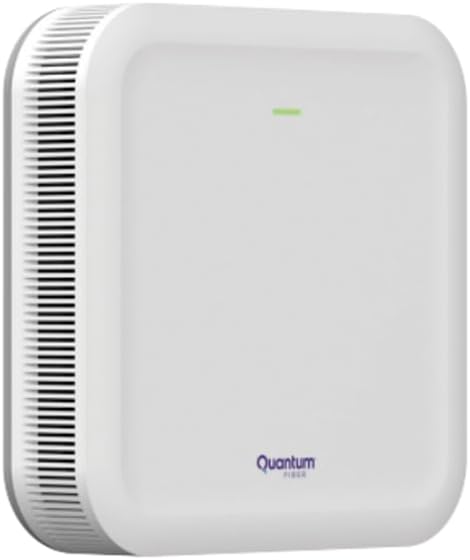
Mesh Wi-Fi is less about chasing maximum headline speed than making a home network feel consistent from room to room. A single router can be the smarter choice for a compact apartment, but larger homes, thick walls, and multiple floors are where the mesh-versus-router decision becomes much more meaningful.
A traditional setup places one gateway near the modem and asks it to cover the entire property. Distance, concrete, plumbing, and other wireless networks can turn that arrangement into a collection of dead zones. Mesh systems add satellite access points that cooperate with the primary unit, extending coverage instead of simply shouting a weaker signal farther. The Wi-Fi Alliance describes EasyMesh as a standards-based way to coordinate multiple access points into one adaptable network, potentially allowing compatible hardware from different vendors to work together. Wi-Fi Alliance overview
The everyday advantage is roaming. Rather than forcing a phone or laptop to choose among separate network names, a properly configured mesh can steer devices between nodes as users move around the house. Google’s own documentation says its mesh points work together to keep devices on a clear channel and support movement through the home without the usual connection drop. Google’s Nest WiFi explanation That makes mesh especially attractive for video calls, streaming, smart-home gear, and homes where the router cannot be placed centrally.
There are tradeoffs, however. A mesh kit costs more than buying one capable router, and adding nodes does not automatically produce faster internet. Wireless satellites need a strong connection back to the main router. On less expensive dual-band systems, that backhaul may share airtime with household devices, reducing throughput as traffic travels between rooms. Wired Ethernet backhaul can avoid much of that penalty, while tri-band and newer systems can dedicate additional radio capacity to the mesh connection.
Mesh also tends to exchange granular control for convenience. Automatic band steering and unified network names simplify setup, but users may have less freedom to force a particular device onto a particular band. Compatibility can be another trap: Google, for example, says Nest Wifi Pro cannot be combined with older Nest Wifi or Google Wifi points, while Google Wifi will not mesh with unrelated routers from brands such as Linksys or Netgear. Google’s compatibility guidance
The practical answer is straightforward: choose a standalone router when one centrally placed unit already reaches every important room and your network is stable. Choose mesh when coverage is the problem, devices frequently roam, or expansion matters more than the lowest upfront price. Before buying, check whether the system supports wired backhaul, how many nodes the manufacturer recommends, which Wi-Fi generation it uses, and whether future additions must come from the same product family. For many homes, those details matter more than the number printed on the box.


