
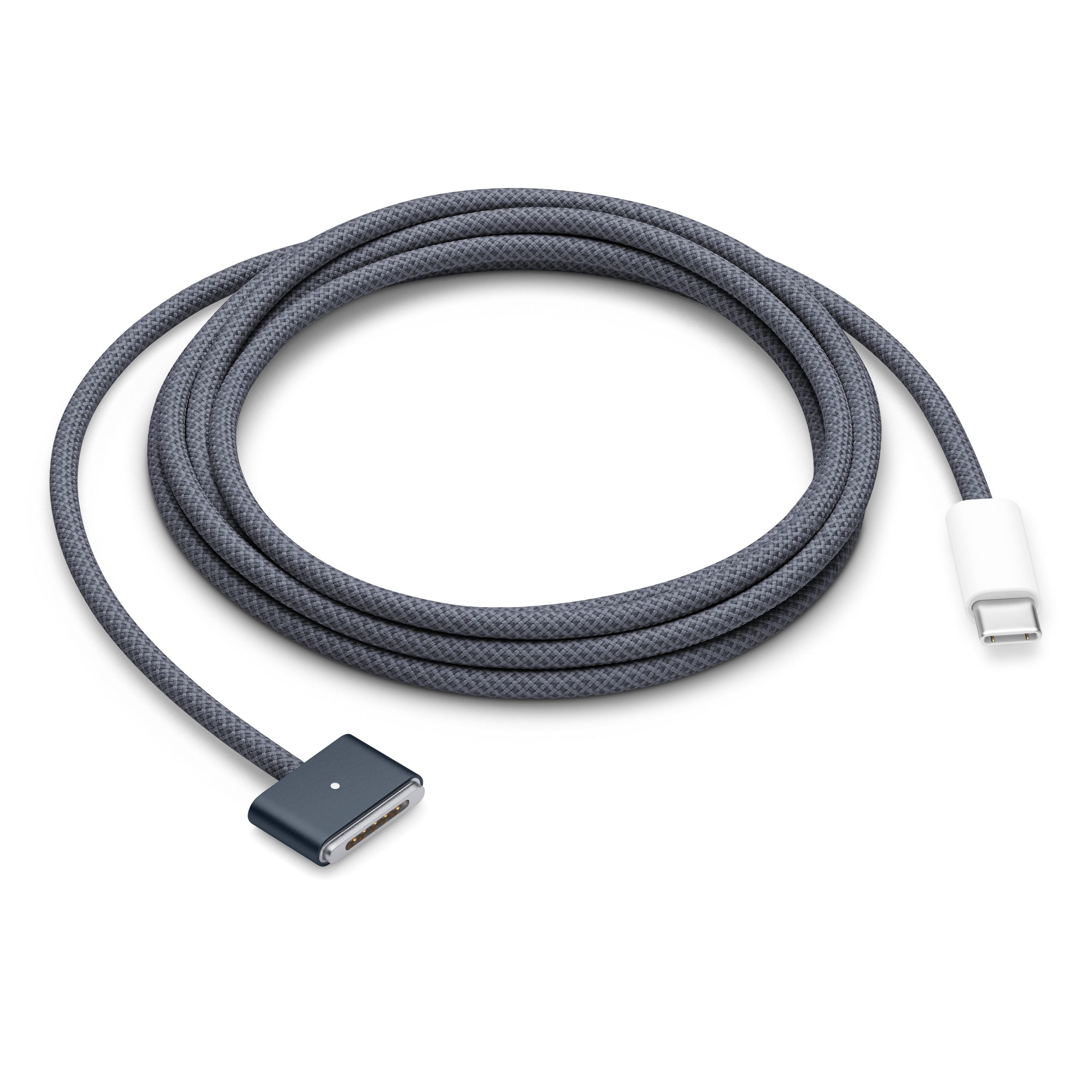
That extra-long USB cable in your drawer may work perfectly for charging, yet struggle when you ask it to move serious amounts of data. USB cable length limits depend heavily on the standard and speed involved, with practical recommendations ranging from roughly 16 feet for older USB connections to only about 2.6 feet for certain high-speed USB4 cables.
The reason is signal integrity. As an electrical signal travels farther through copper, resistance and interference can weaken it. A cable that exceeds the recommended length will not necessarily fail outright; it may instead produce slower transfers, intermittent device detection, dropped connections, or reduced charging performance. The USB Implementers Forum describes these figures as technical guidance rather than a legal restriction, so manufacturers can sell longer cables—but performance is no longer guaranteed outside the relevant specification.
For a rough comparison, USB 2.0 can support cables up to about 4 meters, or 13.2 feet, while USB 3.2 Gen 1 is generally limited to around 2 meters. USB 3.2 Gen 2 drops to approximately 1 meter, and passive USB4 40Gbps cables are commonly around 0.8 meter. The USB-IF’s own technical material shows the pattern clearly: passive cable length decreases as maximum speed rises.
USB-C does not automatically mean faster or longer. The connector describes the physical plug, while the cable’s internal wiring and certification determine whether it supports USB 2.0, USB 3.2, USB4, video output, or high-wattage USB Power Delivery. The USB-IF maintains a certification program for USB 2.0, USB 3.2, and USB Type-C cable assemblies, making certification markings more useful than the shape of the connector alone.
Longer runs are possible when a cable includes active electronics that rebuild or boost the signal, and optical USB-C cables can extend connections much farther than ordinary passive copper cables. Those options cost more and may have their own compatibility limits, so a short certified cable remains the safest choice for external SSDs, docks, monitors, and other bandwidth-hungry hardware. For a keyboard, mouse, printer, or basic charging setup, a longer cable is usually far less demanding.
The practical takeaway is to match the cable to the job rather than simply buying the longest one available. Check the advertised data rate, power rating, display support, and certification; then keep passive high-speed cables short. USB4 is becoming more capable—with the USB-IF documenting support for up to 80Gbps over appropriately certified cables—but that extra bandwidth makes cable quality and length even more important, not less.


