
That teal or turquoise insert inside a USB-A port is usually a quiet hardware upgrade: it commonly points to a USB 3.1 Gen 2 connection, now called USB 3.2 Gen 2, with theoretical data speeds of up to 10Gbps. In other words, the color can identify a faster lane for moving files, connecting external storage, or handling high-bandwidth peripherals.
The naming is more confusing than the color. USB 3.1 Gen 2 was introduced in 2013, then folded into the USB 3.2 naming scheme as USB 3.2 Gen 2. Vendors also use the marketing label SuperSpeed USB 10Gbps. The standard’s maximum is twice the 5Gbps ceiling associated with the blue USB 3.0-era ports, although real-world transfers depend on the computer, cable, drive, and the data being moved. Teal ports are generally associated with that 10Gbps tier.
There is an important catch: teal is not an official USB-IF requirement. Manufacturers choose the plastic color, and some may use teal for a different USB 3.x implementation—or skip the convention entirely. That makes the printed specification, manufacturer documentation, or a SuperSpeed 10Gbps logo a safer guide than color alone. The color’s usual meaning and its limitations are especially useful to remember when comparing ports on older motherboards and laptops.
A teal port also does not automatically mean faster charging. USB data speed and power delivery are related pieces of the connection, but they are not interchangeable promises. Charging behavior can vary by device, port design, and support for technologies such as USB Power Delivery. Red, yellow, and orange ports are often used by manufacturers to advertise always-on or charging functions, but those colors are conventions too rather than universal guarantees.
Compatibility is less dramatic than the terminology. Older USB devices can generally plug into a faster teal port, while a newer 10Gbps device can work through an older port; the connection simply falls back to the slowest link in the chain. To reach the advertised maximum, the host port, cable, and accessory all need to support the same speed class. A fast external SSD connected with an older cable may therefore perform like a much slower drive.
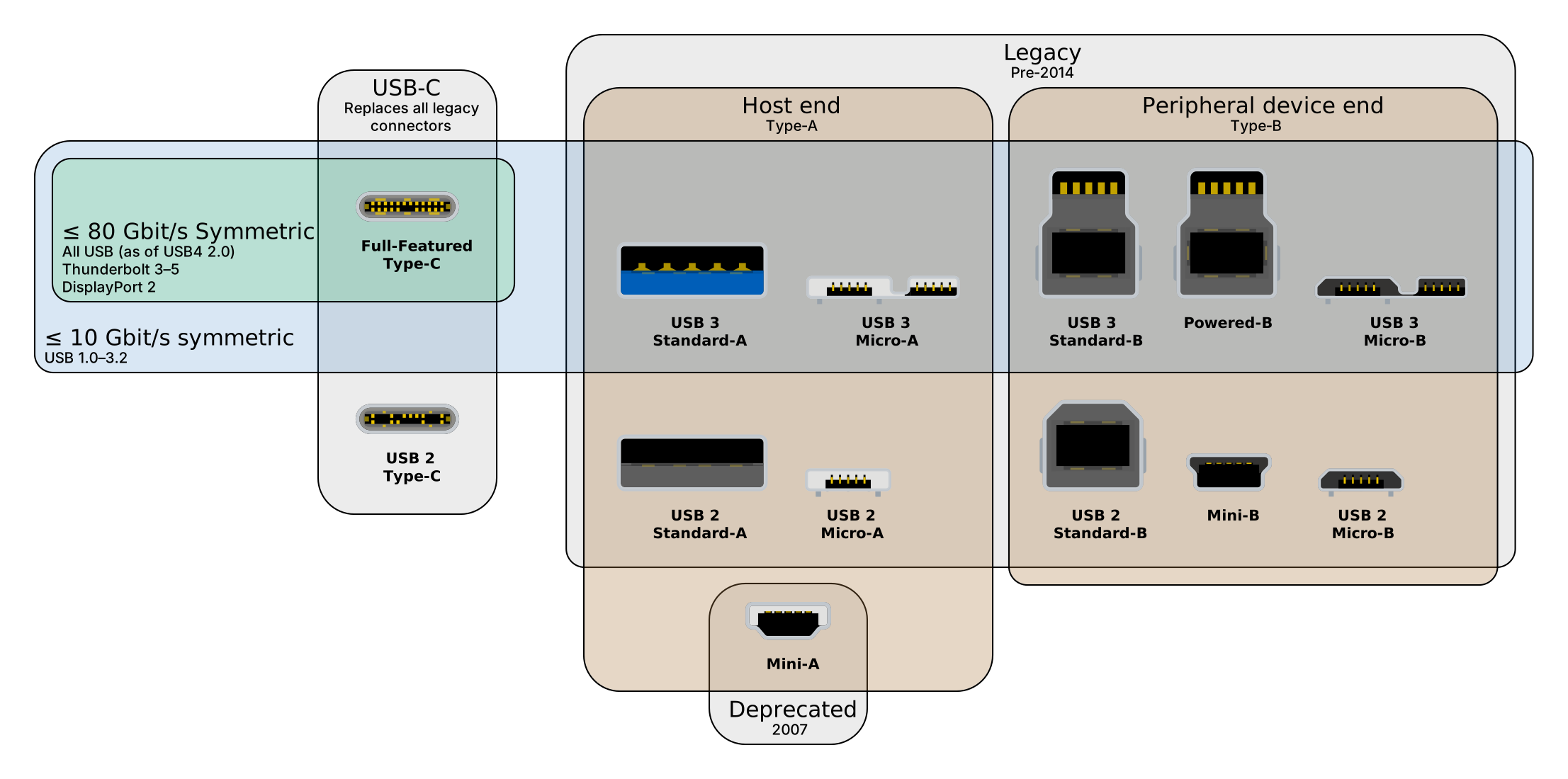
For shoppers and PC builders, the practical rule is simple: treat teal as a helpful hint, not a specification. Check for “10Gbps,” “USB 3.2 Gen 2,” or the manufacturer’s port chart before buying a cable or storage device. And as USB-C becomes more common, the connector’s shape matters even less than the capabilities printed beside it—two identical-looking USB-C ports can support very different data rates, charging limits, and display features.


