
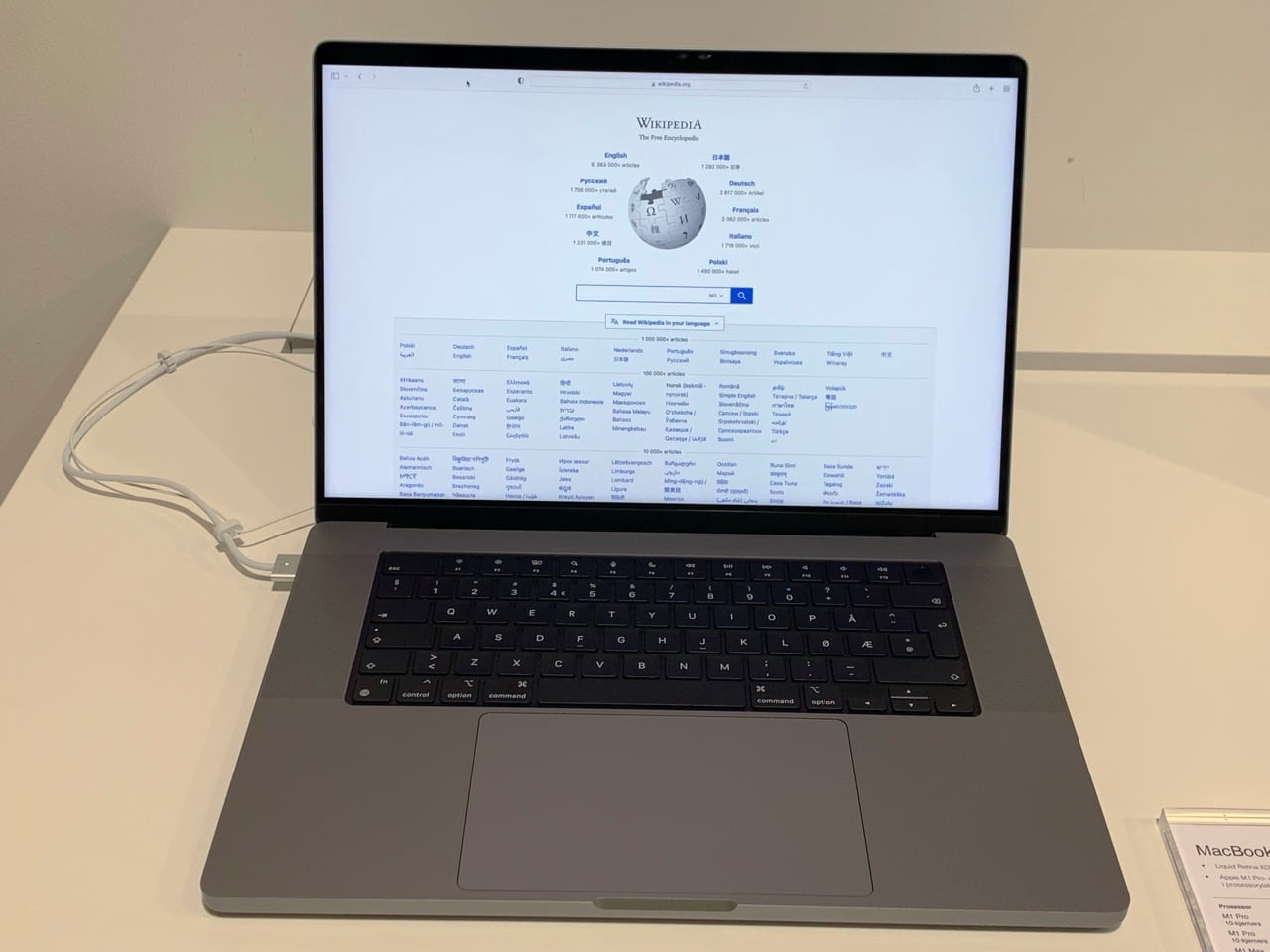
Working from a balcony, park bench or convention queue with a MacBook sounds idyllic, but your laptop is much pickier about the weather than you are. Apple’s own documentation sets a surprisingly narrow safe operating band for Mac notebooks, and pushing past it can permanently shorten your battery’s life or trigger sudden shutdowns. Engadget recently highlighted the issue with a reminder to watch ambient temperatures when you haul your MacBook outside, especially during summer heat waves.
Apple recommends using Mac laptops only where the ambient temperature sits between 50 and 95 degrees Fahrenheit (10 to 35 degrees Celsius). Go much hotter than that and you risk more than just a sweaty keyboard: sustained exposure above 95°F can permanently reduce your battery’s capacity, so it will hold less charge even after it cools down. Charging a MacBook while it is already roasting makes things worse, accelerating chemical wear inside the pack and increasing the chances of thermal throttling or a protective shutdown. The classic geek mistake is leaving a closed notebook in a parked car, where interior temps can soar well past 120°F, effectively “baking” the battery and other components.
Cold weather is just as treacherous, especially for con-goers and mobile workers in winter cities. Below roughly 50°F (10°C), lithium‑ion cells become less efficient, leading to faster battery drain and sluggish performance; drop toward freezing and you may see abrupt shutdowns even when macOS claims you still have charge remaining. Community discussions around Apple hardware note that extremely low temperatures can damage display and battery components outright, as internal fluids and adhesives are stressed by the cold. The real one-two punch comes when you move a chilled laptop straight into a warm room or car: condensation can form inside the chassis, potentially causing corrosion over time or shorting delicate circuitry.
Temperature isn’t the only outdoor hazard. Direct sun can push your MacBook’s surface far hotter than the surrounding air, particularly darker aluminum finishes that soak up infrared light. Overheating from sun exposure can lead to system instability and reduce battery lifespan, and UV light over long periods may degrade display materials. Display readability becomes a practical issue too; glossy MacBook panels are highly reflective, and in bright environments the system may quietly reduce peak brightness to protect the panel, making text and UI elements harder to see. Guides focused on outdoor MacBook use recommend positioning yourself so the screen sits in your shadow, subtly tilting the lid to avoid bright patches of sky, and temporarily overriding automatic brightness controls when you absolutely need maximum nits.
That extra brightness comes at a cost. Cranking the backlight and pushing the GPU harder to overcome glare draws noticeably more power, cutting into your unplugged runtime. For longer outdoor sessions, experts advise starting with a full charge, keeping a power adapter or battery pack handy, and dialing brightness back as soon as you’re out of direct sun. It also helps to watch for early signs of thermal stress: fans ramping continuously, the chassis feeling uncomfortably hot, or the display suddenly dimming can all indicate the system is throttling itself to stay within its safe envelope.
The physical environment matters too. Veteran Mac users caution against deploying a notebook on windy beaches or dusty festival grounds, where fine sand and grit can infiltrate key switches, ports, and vents. Apple’s guidance allows relative humidity up to around 90–95 percent as long as it is “noncondensing,” but in real-world terms that means avoiding spots where your machine might get sprayed, splashed, or subjected to rapid temperature swings that create internal moisture. Combined with the earlier warnings about parked cars and metal tables under direct sun, the safe pattern emerges: shaded, stable environments with moderate temperatures and minimal airborne crud are your MacBook’s natural habitat.
For geek-culture workers who live on laptops—writers banging out reviews from the patio, coders hacking between panels, or tabletop designers playtesting in the park—the takeaway is clear. You can absolutely use a MacBook outside, but you need to treat temperature as seriously as you treat battery percentage, keeping it within Apple’s recommended 50–95°F range and avoiding both blazing cars and freezing sidewalks. Couple that with smart positioning to cut glare, conservative brightness settings when possible, and a hard rule never to leave your machine baking in direct sun, and your portable battlestation should stay healthy long after summer convention season ends.


