
As Engadget recently dug into, the perennial question for smartphone and tablet users is whether scrolling, gaming, or streaming while the device is plugged in secretly sabotages battery life. The short answer from battery tests and multiple tech outlets: ordinary use while charging is generally safe for modern lithium‑ion phones, and the horror stories are mostly outdated or misinformed. The factors that really determine how long your battery stays healthy are the total number of charge cycles it goes through and how much heat it experiences, not whether your thumbs are tapping away while the cable is connected.
Modern phones use sophisticated power‑management systems that decide where incoming energy goes when you plug in. Several experiments comparing “standard charging” against “charging while in use” found that devices used while charging actually completed fewer full charge cycles and showed slightly less capacity loss over time, because the load slows down how quickly the battery fills. In normal conditions, a plugged‑in phone tends to draw most of its operating power directly from the charger while the battery either rests or tops up more slowly, meaning it is not constantly charging and discharging at the same time.
That runs counter to some of the biggest charging myths that still float around TikTok threads and Reddit advice columns. One popular claim is that leaving your phone on the nightstand plugged in until morning will “overcharge” the battery; in reality, modern devices stop charging once they hit 100% and rely on built‑in protections, with some Android phones even using AI‑driven features to pause around 80% and finish closer to when you wake up. Another myth says you should regularly drain to zero to “calibrate” the battery, but deep discharges actually stress lithium‑ion cells and are linked to faster wear, so most experts recommend keeping charge levels roughly between 20% and 80% for long‑term health.
The genuine caveat to using your phone while charging is heat. Running a 3D‑intensive game, recording long 4K video, or tethering as a hotspot while plugged in can push temperatures higher because the charger is powering both the battery and the system at once. Excessive heat over time accelerates chemical aging in lithium‑ion packs and can even cause your CPU to throttle to protect itself, which is why you might feel your phone slow down under heavy load while charging. Battery and charger manufacturers therefore recommend avoiding extreme temperatures, removing thick cases if the phone feels hot, and giving the device a break if it becomes uncomfortable to hold.
Charger quality is the other major piece of the puzzle. Multiple guides emphasize that using the manufacturer‑approved or a certified third‑party charger is safe even when you are actively using the phone, while sketchy, no‑name bricks and damaged cables increase the risk of electrical faults, shocks, or battery damage. Fast‑charging systems built into today’s flagship phones are designed with safeguards that limit current and monitor temperature, so topping up quickly is fine as long as you are within the supported specs.
For everyday geek life—marathon streaming sessions, late‑night gacha pulls, or logging into a tabletop companion app mid‑game—the practical takeaway is simple: plug in whenever convenient, try not to let the battery hit zero, and don’t worry about casual use while the device is charging. If you want to maximize longevity, aim for partial charges, keep an eye on temperature during intensive tasks, and lean on your phone’s built‑in smart‑charging features instead of obsessing over old myths. The science and long‑term tests continue to point in the same direction: it is not your habit of texting while plugged in that kills battery life, but chronic heat, extreme charge ranges, and years of heavy cycles.
Image Credits
In-Article Image Credits
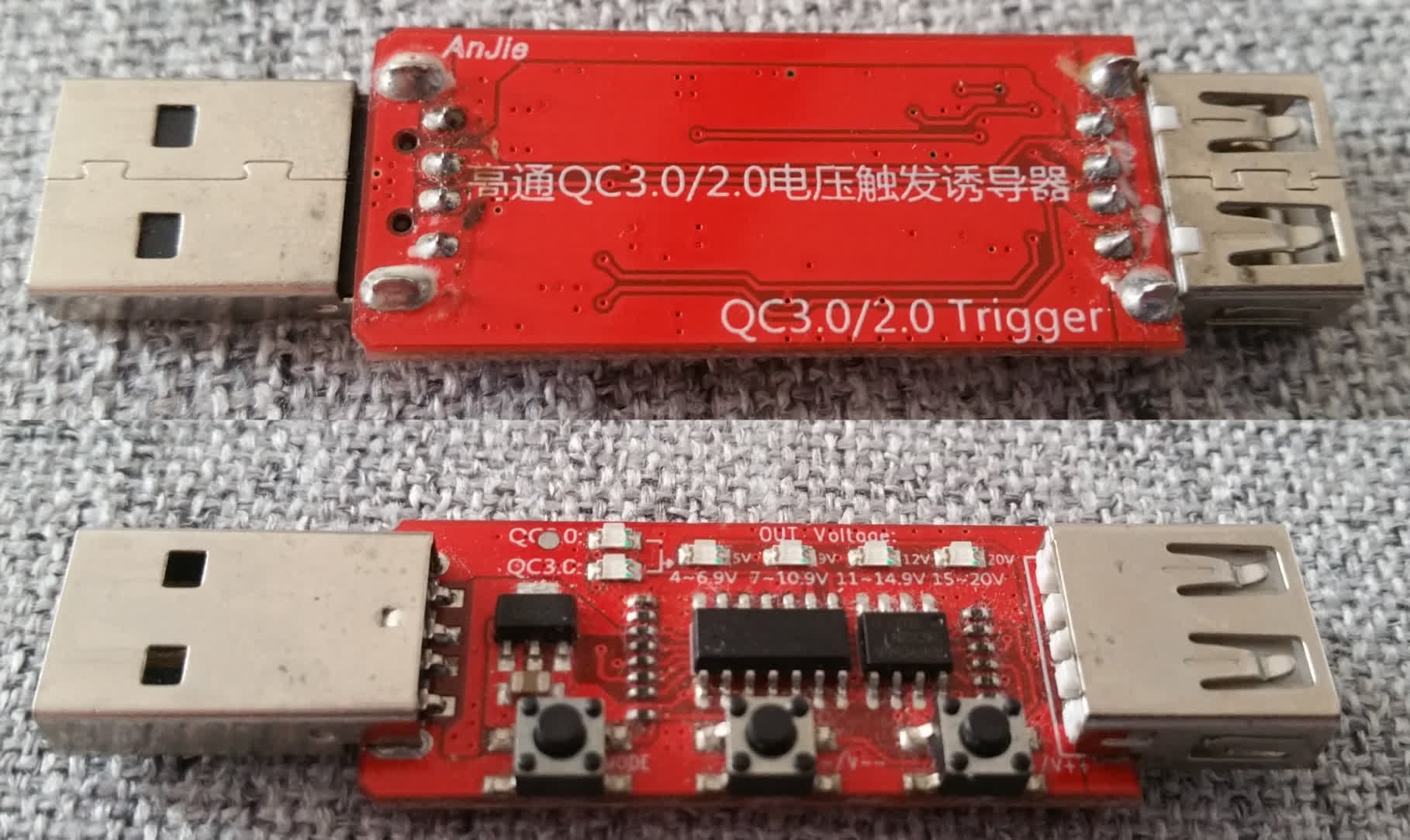
This board allows manually requesting voltages from Qualcomm Quick Charge-compatible power supplies. The buttons are for toggling between Quick Charge 2.0 and 3.0, decreasing the voltage, and increasing the voltage. via Wikimedia Commons by NeonStarX with usage type - Creative Commons LicenseFeatured Image Credit
This board allows manually requesting voltages from Qualcomm Quick Charge-compatible power supplies. The buttons are for toggling between Quick Charge 2.0 and 3.0, decreasing the voltage, and increasing the voltage. via Wikimedia Commons by NeonStarX with usage type - Creative Commons License


