
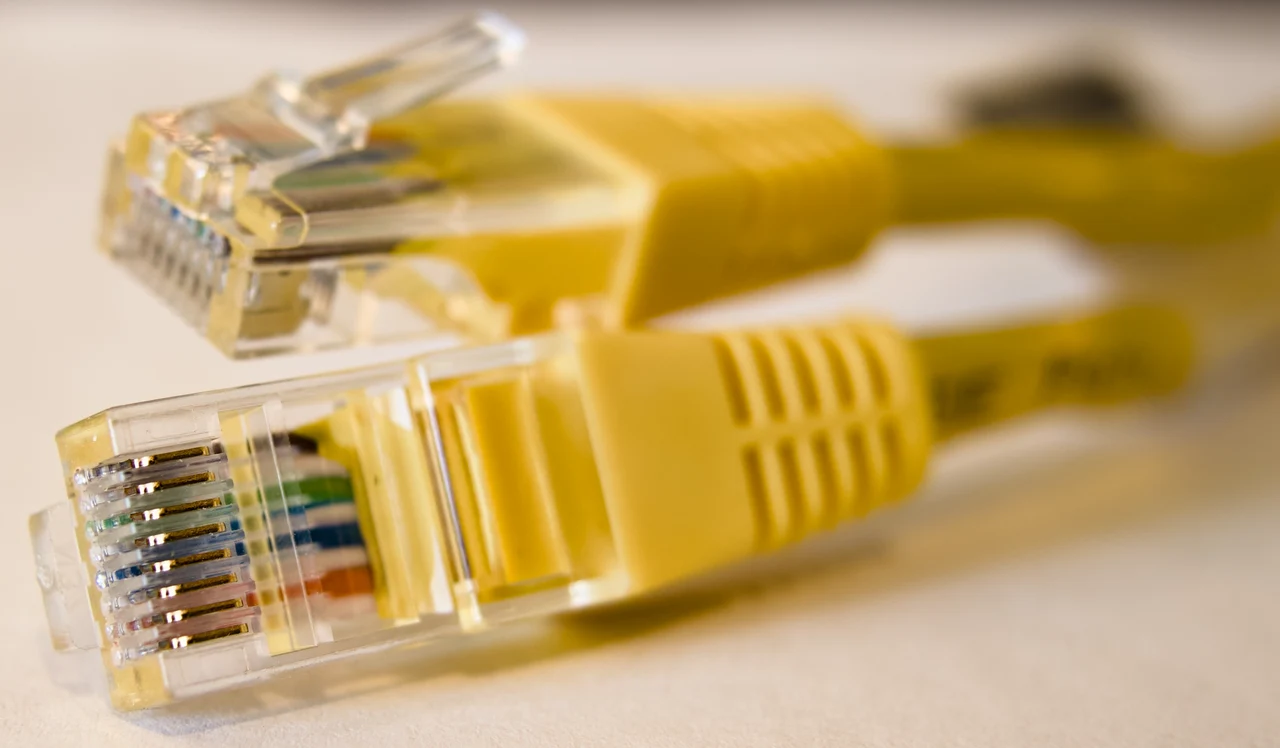
When an Ethernet cable falls just short of its destination, an inexpensive RJ45 coupler looks like the obvious rescue. It can work, but as Engadget reports, joining cables is often less useful than choosing a better way to extend the network.
The first issue is distance. Standard copper Ethernet links are designed around a total channel length of 100 meters, or 328 feet, including permanently installed cable and the shorter patch cords at either end. Eaton describes that layout as roughly 90 meters of fixed cable plus up to 10 meters of patch cabling. Eaton’s cable guidance notes that exceeding the limit can reduce speed and reliability, while a coupler does nothing to restore a weakening signal.
That makes a coupler perfectly reasonable for a short, temporary extension—provided both cables are compatible, undamaged, and together remain within the length limit. It also introduces another connection point, which means another place for a loose plug, poor crimp, bent contact, or low-quality hardware to cause intermittent link failures. Beckhoff’s cabling documentation treats couplers as additional transition points in the channel, reinforcing that they belong in the overall installation rather than functioning as a magical reset button. Beckhoff’s Ethernet cabling guidance
For one computer, game console, television, or streaming box, the cleanest solution is usually a single Ethernet cable long enough to make the run. A continuous cable means fewer connection points and makes it easier to identify a problem later. Choose the category needed for the network equipment, route the cable without crushing or sharply bending it, and avoid running it alongside sources of electrical interference when possible.
A network switch is the more useful answer when the cable has already been installed or several devices need wired access at the far end. Connect the existing run to an unmanaged switch, then plug the nearby devices into its remaining ports. The switch creates separate Ethernet links and actively regenerates the traffic, so the full distance is not treated as one passive cable. Engadget’s explanation points to this approach as the practical upgrade for expanding a wired network.
For runs that genuinely exceed copper’s limits, a switch placed along the route—or a move to fiber—makes more sense than stacking couplers and hoping the connection remains stable. The takeaway is not that RJ45 joiners are forbidden; it is that they solve only the physical gap. A longer single cable is simpler for a one-device setup, while a switch is the better long-term fix when the network needs room to grow.
Image Credits
In-Article Image Credits
Ethernet cable connector via Wikimedia Commons by Wikideas1 with usage type - Creative Commons License. By Wikideas1 - Own work, CC0, https://commons.wikimedia.org/w/index.php?curid=184350807Featured Image Credit
Ethernet cable connector via Wikimedia Commons by Wikideas1 with usage type - Creative Commons License. By Wikideas1 - Own work, CC0, https://commons.wikimedia.org/w/index.php?curid=184350807


