
Your smartphone is now the default GPS, music player, and gaming console in the car, but that constant workload and brutal cabin temps can push it into dangerous overheating. Apple warns that iPhones shouldn’t be stored in spaces above around 113°F, a threshold parked cars can easily blow past on warm days, making heat management a real hardware concern, not just a comfort issue.
The fastest way to cook a phone is to leave it in direct sunlight, especially on a windshield mount or dashboard, where glass intensifies the heat and the interior can spike well beyond outside air temperature. Most repair and automotive tech guides now recommend switching to a vent-mounted holder so air from the climate control can flow directly across the device, rather than letting it roast at the top of the windshield. If you have to leave your phone in the car, tuck it in a shaded spot like the center console or glove box and crack the windows or park in the shade to keep cabin temps down.
What your phone is doing matters as much as where it’s sitting. Continuous navigation, music streaming, Bluetooth, and background social apps all hammer the processor and radios, dumping extra heat into a phone that’s already baking in a hot cabin. Tech support guides recommend closing power-hungry apps once you’ve started your route, locking the screen when the car’s display is handling navigation, and turning off features you don’t need, such as Bluetooth, Wi‑Fi, and location tracking, to lighten the thermal load. For Android Auto users, performance-focused advice includes downloading offline maps, disabling intensive visual features like 3D buildings, and avoiding wireless Android Auto when a cable will do, all of which can cut heat output during long drives.
Charging decisions can make or break your phone’s temperature curve in the car. Fast charging and wireless charging both generate extra heat as they push more power through the battery, a problem that’s amplified when the phone is also running navigation and streaming at full brightness. Multiple consumer tech guides recommend skipping wireless charging pads in hot weather, using a short, quality cable instead, and never charging a phone that’s already thrown a temperature warning until it cools back down. Thick or rugged cases can trap heat around the chassis, so experts routinely suggest popping the case off, at least temporarily, to let heat escape more easily when the phone feels warm to the touch.
Cooling accessories are becoming a niche market of their own, from vent mounts that route AC directly over the phone to active cooling brackets and cases with built‑in fans. Some hardware blogs even highlight active coolers that use Peltier elements to pull more heat away from smartphones during extended use. Whatever solution you pick, technicians stress that you should avoid rapid, extreme cooling methods like ice packs or refrigerators, which can cause condensation and potential internal short circuits as moisture forms on and inside the device. Safer options include removing the case, placing the phone in a shaded, ventilated area, and using gentle airflow from the AC or a fan to bring temperatures down gradually.
If your phone does overheat and throws a warning, the safest move is to treat it like a piece of sensitive electronics rather than a stubborn gadget you can simply force back to work. Step‑by‑step advice from repair and accessory companies consistently starts with powering the device off, moving it out of the car and into a cooler environment, and waiting at least 15–20 minutes before restarting to let internal components fully stabilize. For geek-culture diehards relying on their phones for mobile games, streaming anime, or running tablet-style RPG reference apps on a road trip, that downtime can be annoying—but ignoring thermal warnings risks long‑term battery damage and unexpected shutdowns at the worst possible time. Treating heat as seriously as a low‑battery alert is the best way to keep your pocket computer ready for the next mission, whether that’s navigating to a convention or streaming the next sci‑fi binge from the back seat.
Image Credits
In-Article Image Credits
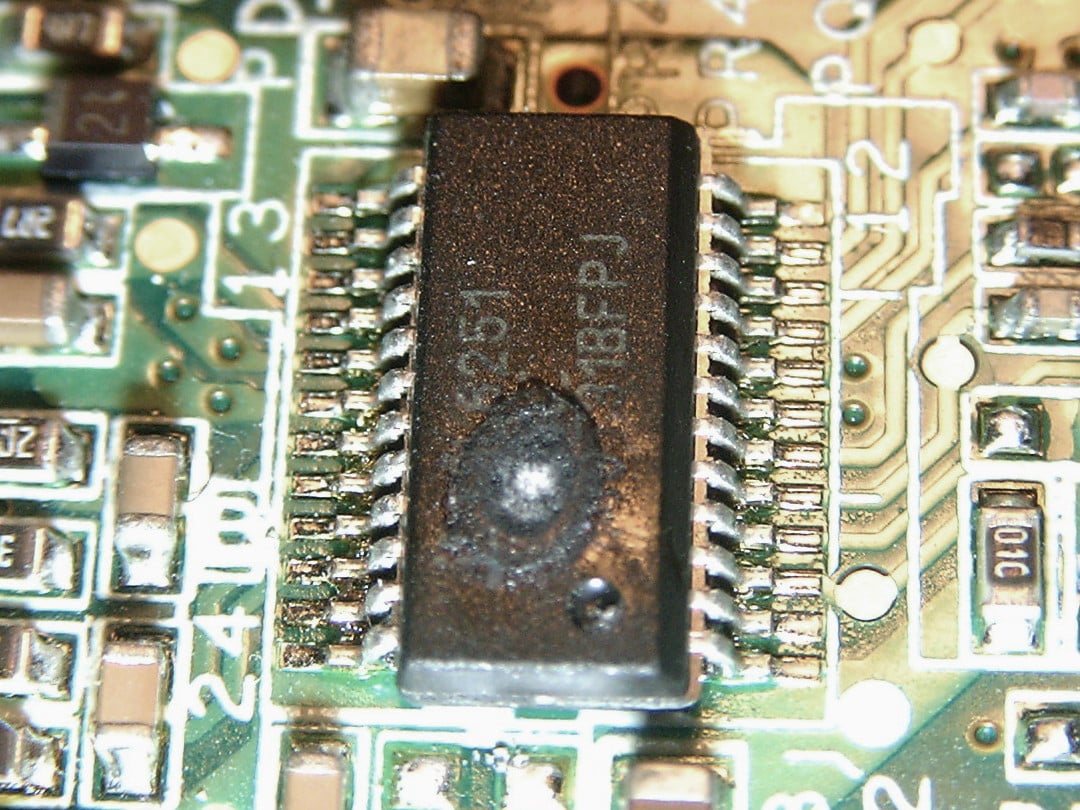
Voltage with wrong polarity has caused massive overheating of the chip, consequently melting the plastic casing. via Wikimedia Commons by Petteri Aimonen with usage type - Creative Commons LicenseFeatured Image Credit
Voltage with wrong polarity has caused massive overheating of the chip, consequently melting the plastic casing. via Wikimedia Commons by Petteri Aimonen with usage type - Creative Commons License


